Remote control for your camera
Remora turns your iPhone, iPad or Mac into a full remote for your camera — over Wi-Fi, USB or Bluetooth. The camera's live screen, shooting series, every setting, presets, the card's photos and geotags, in one app.

 Scan with
your iPhone
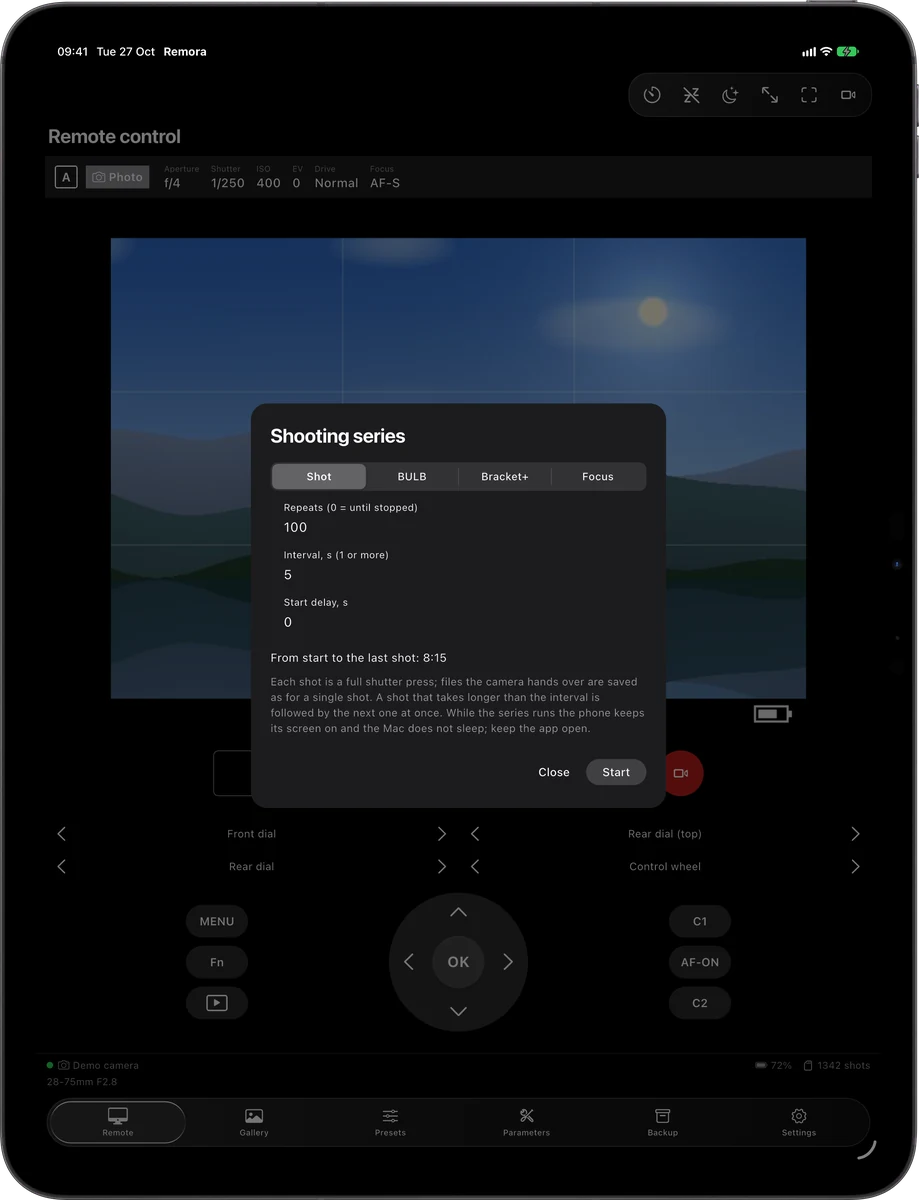
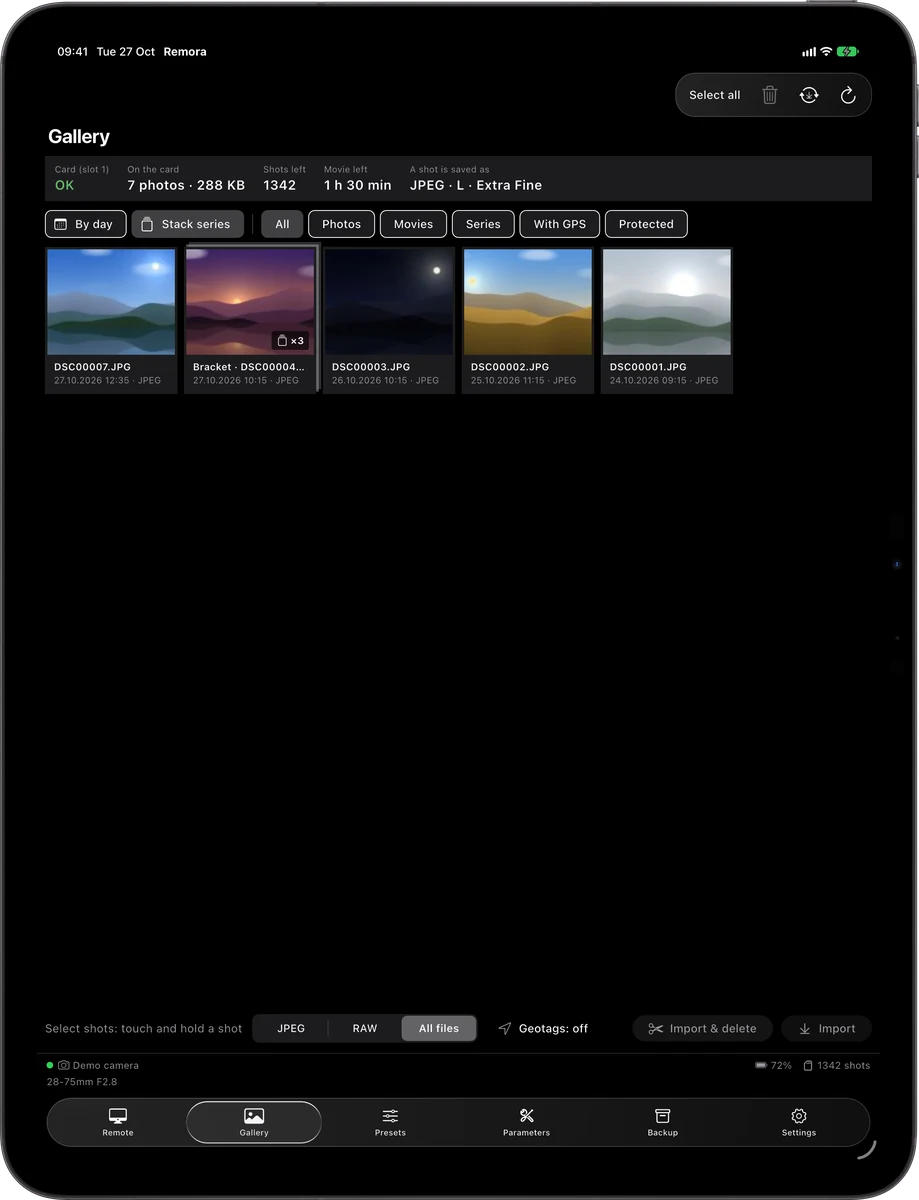
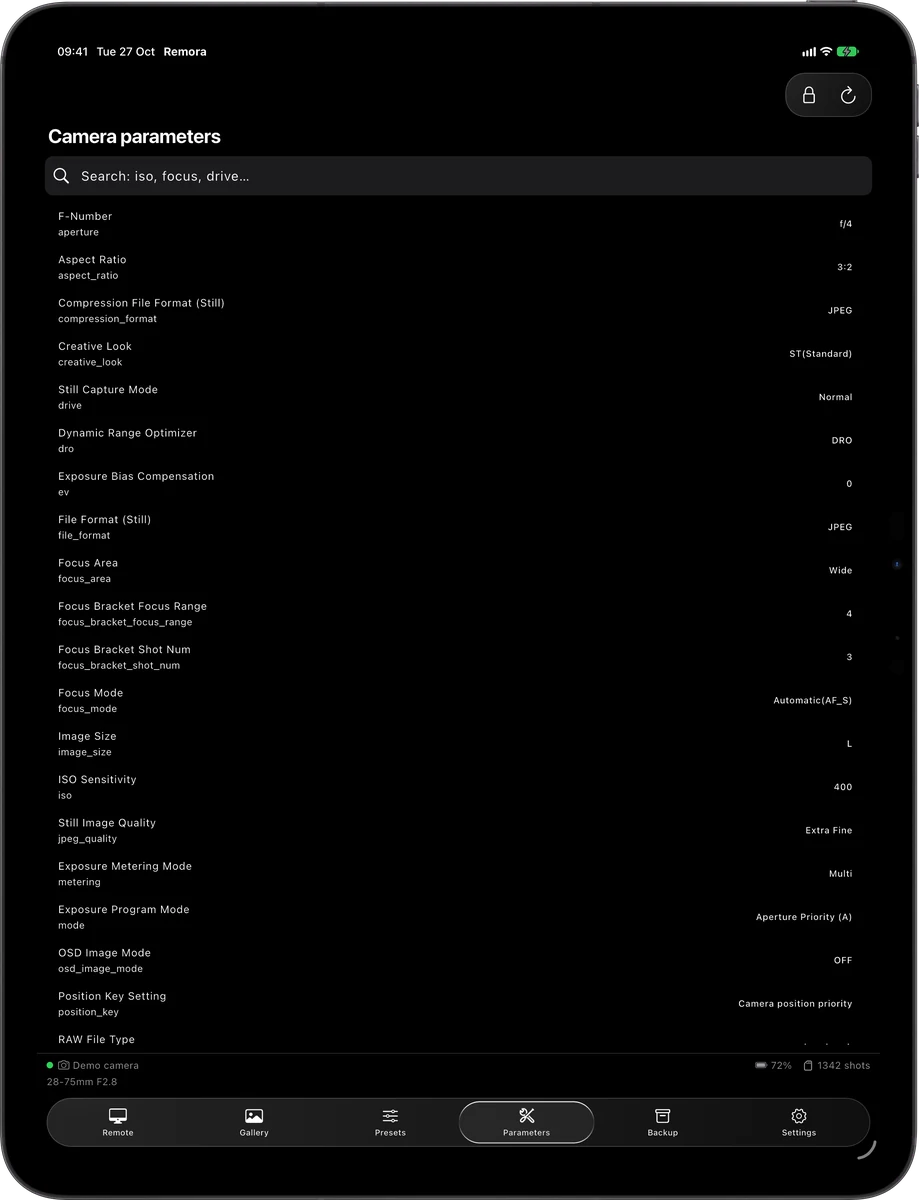
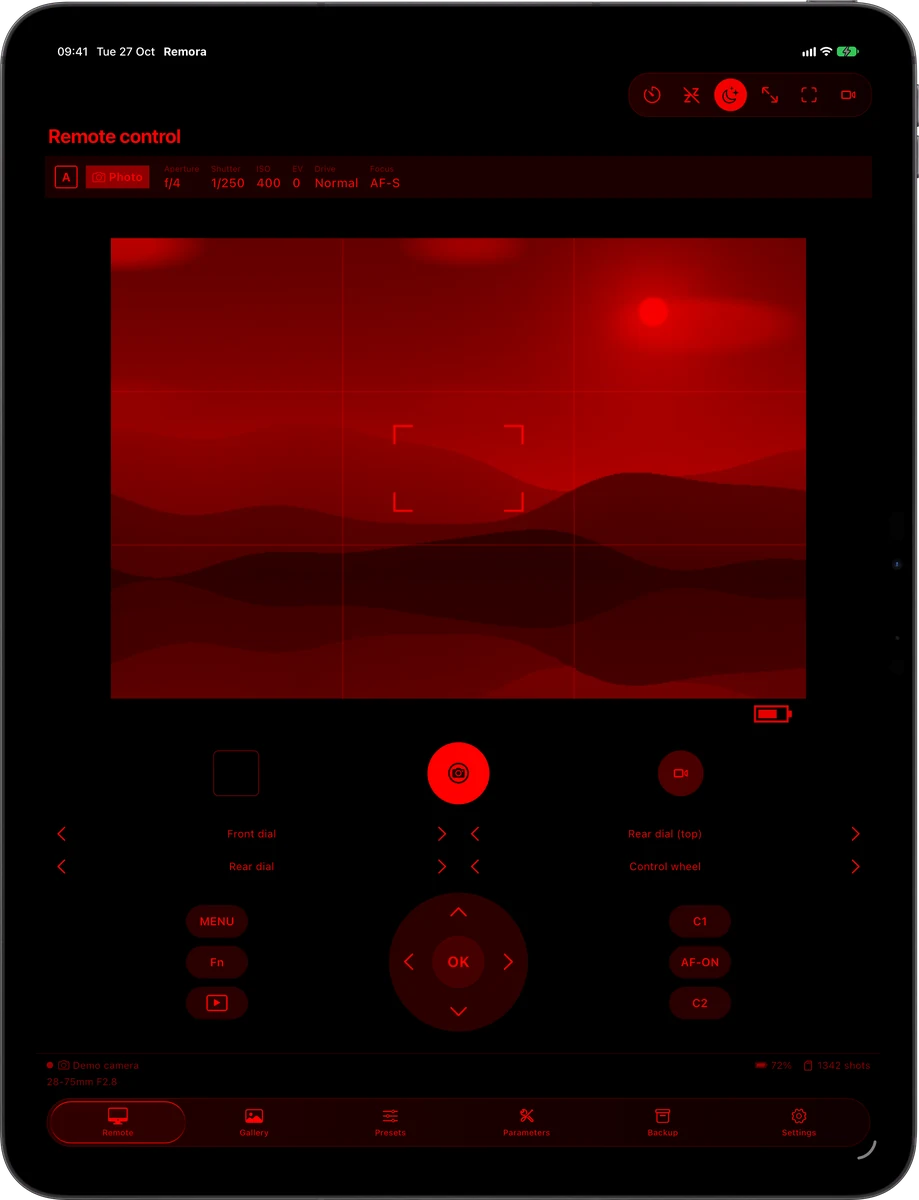
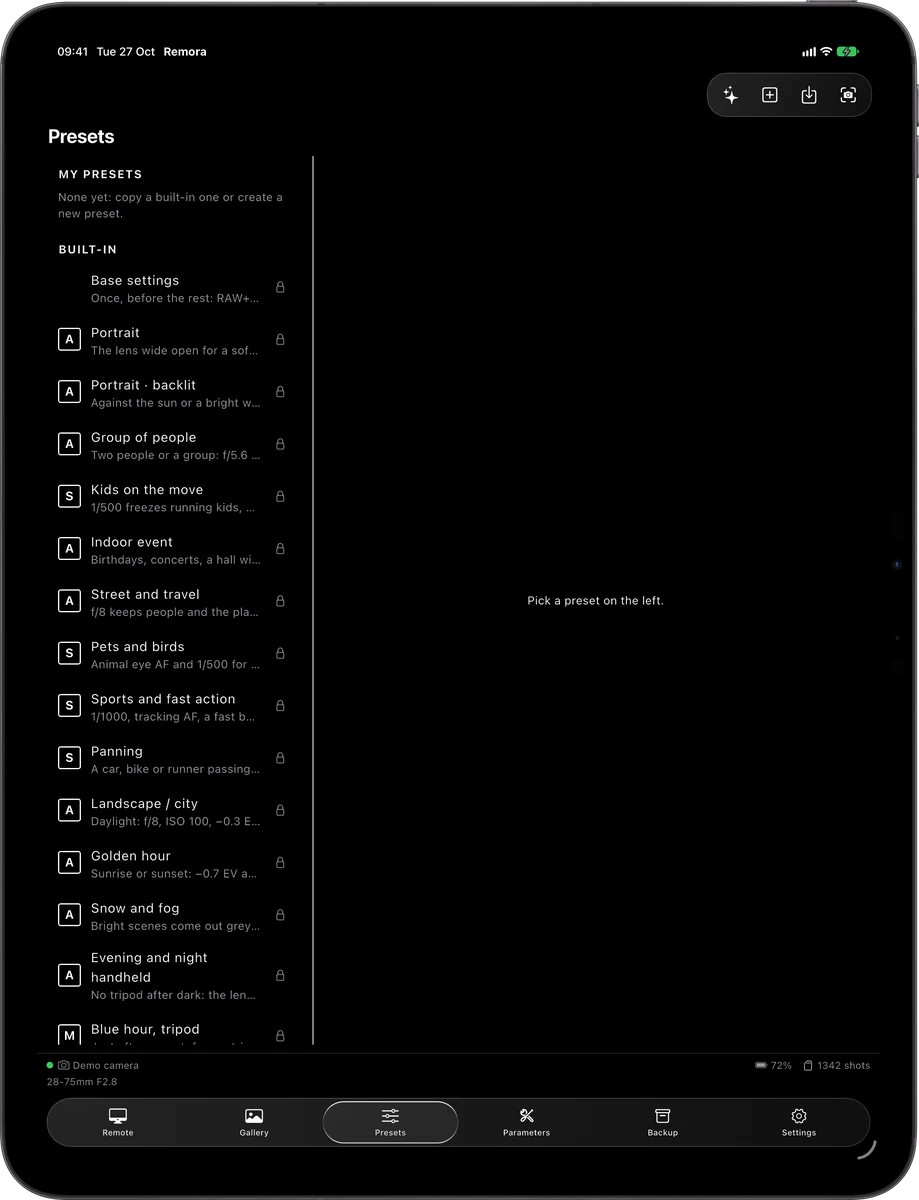
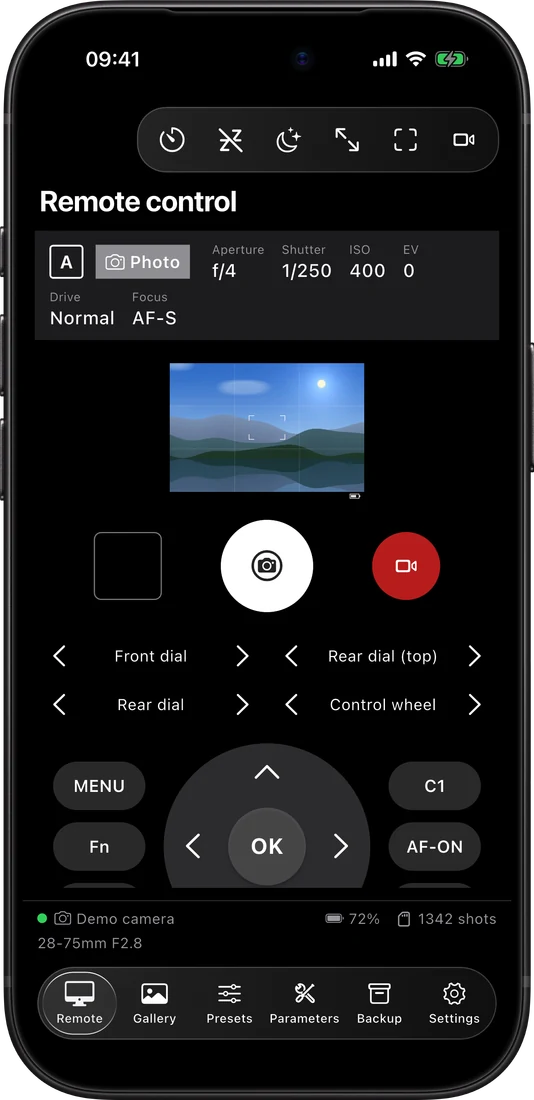
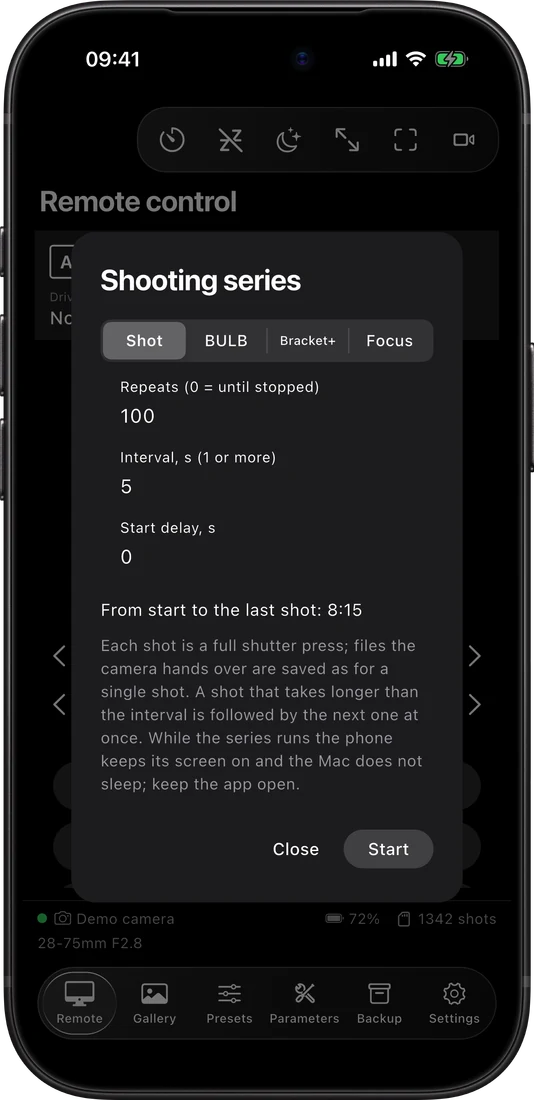
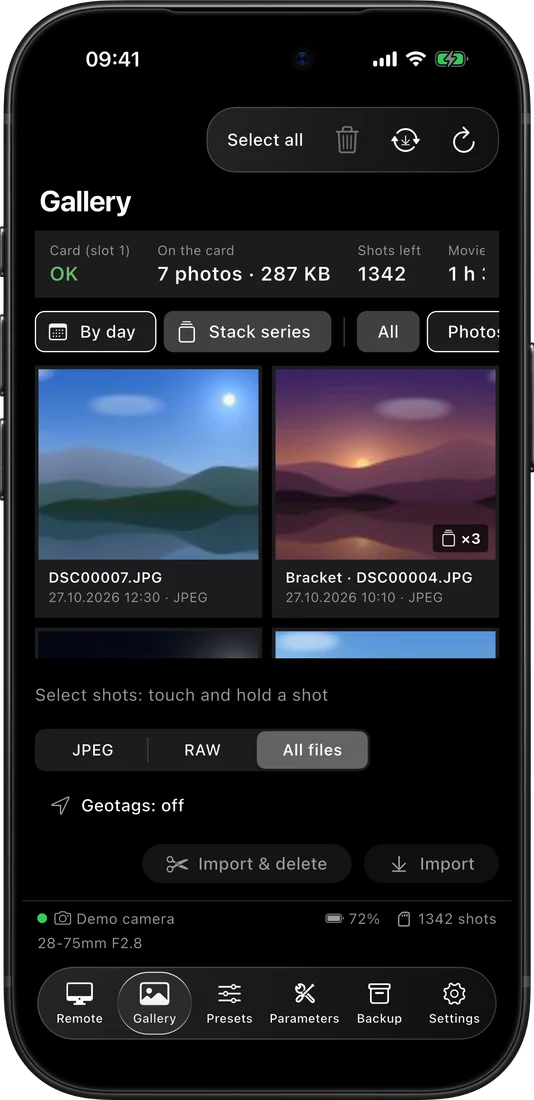
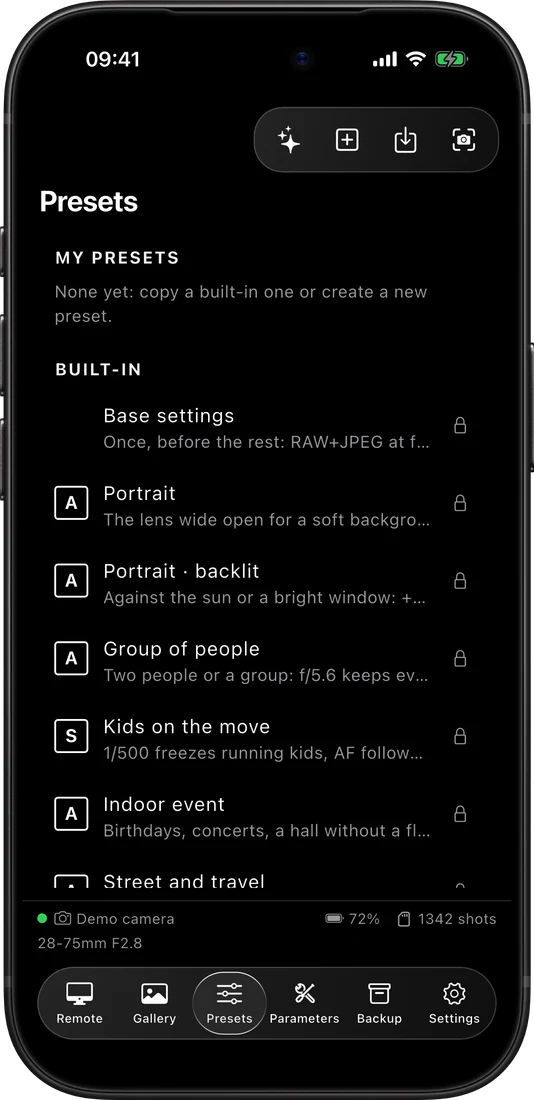
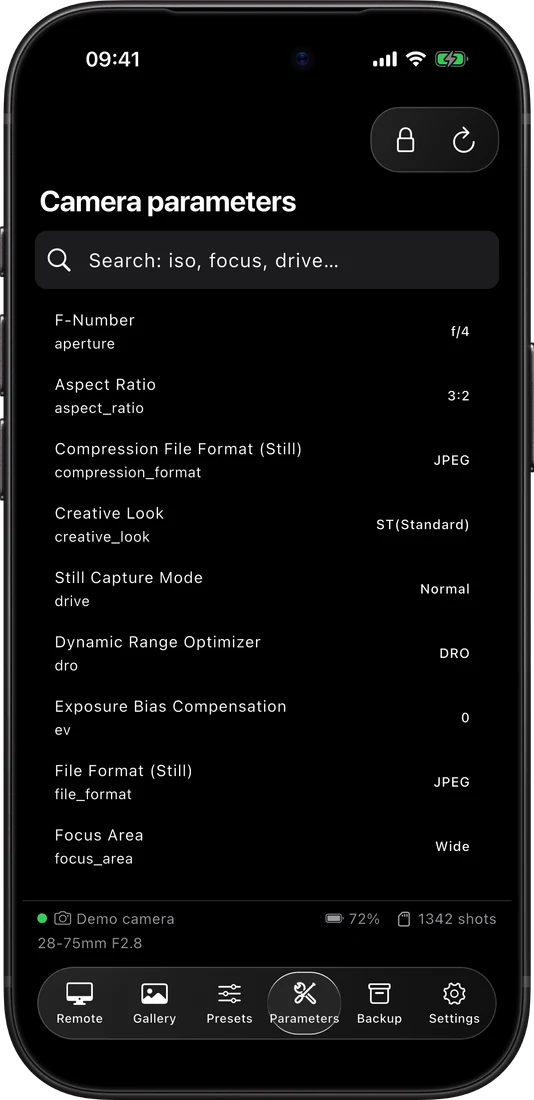
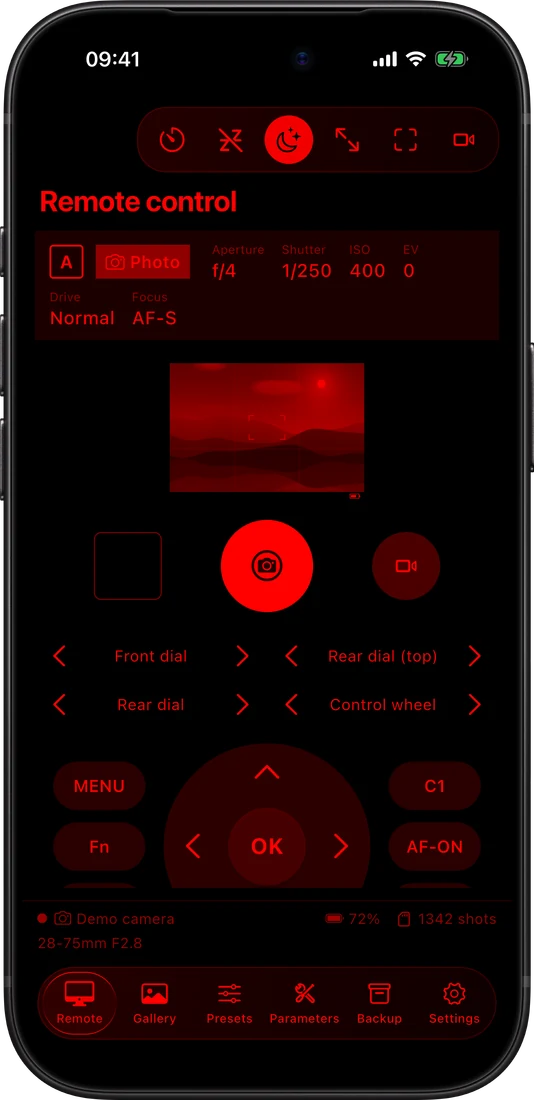
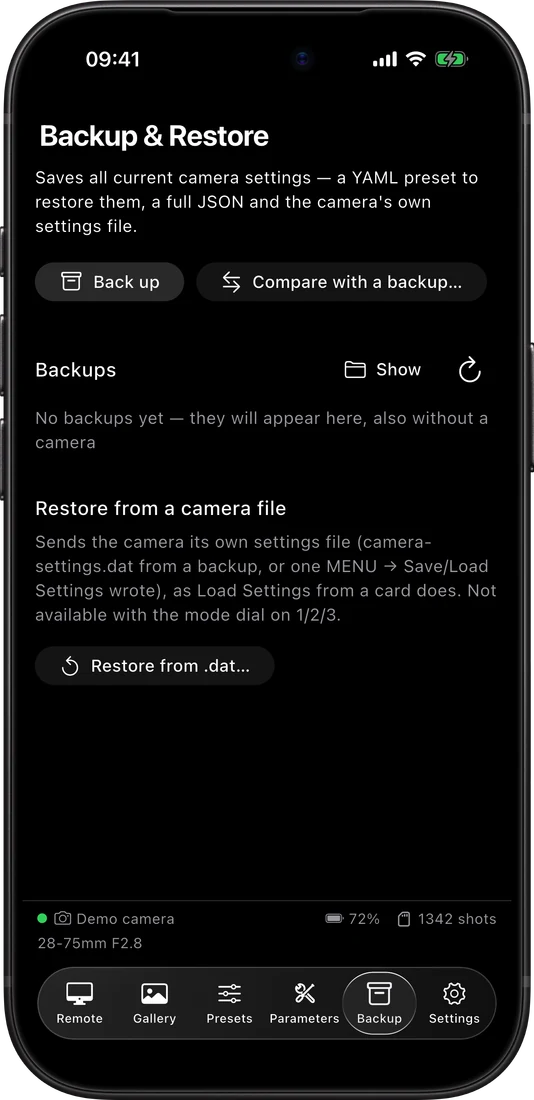
Remote
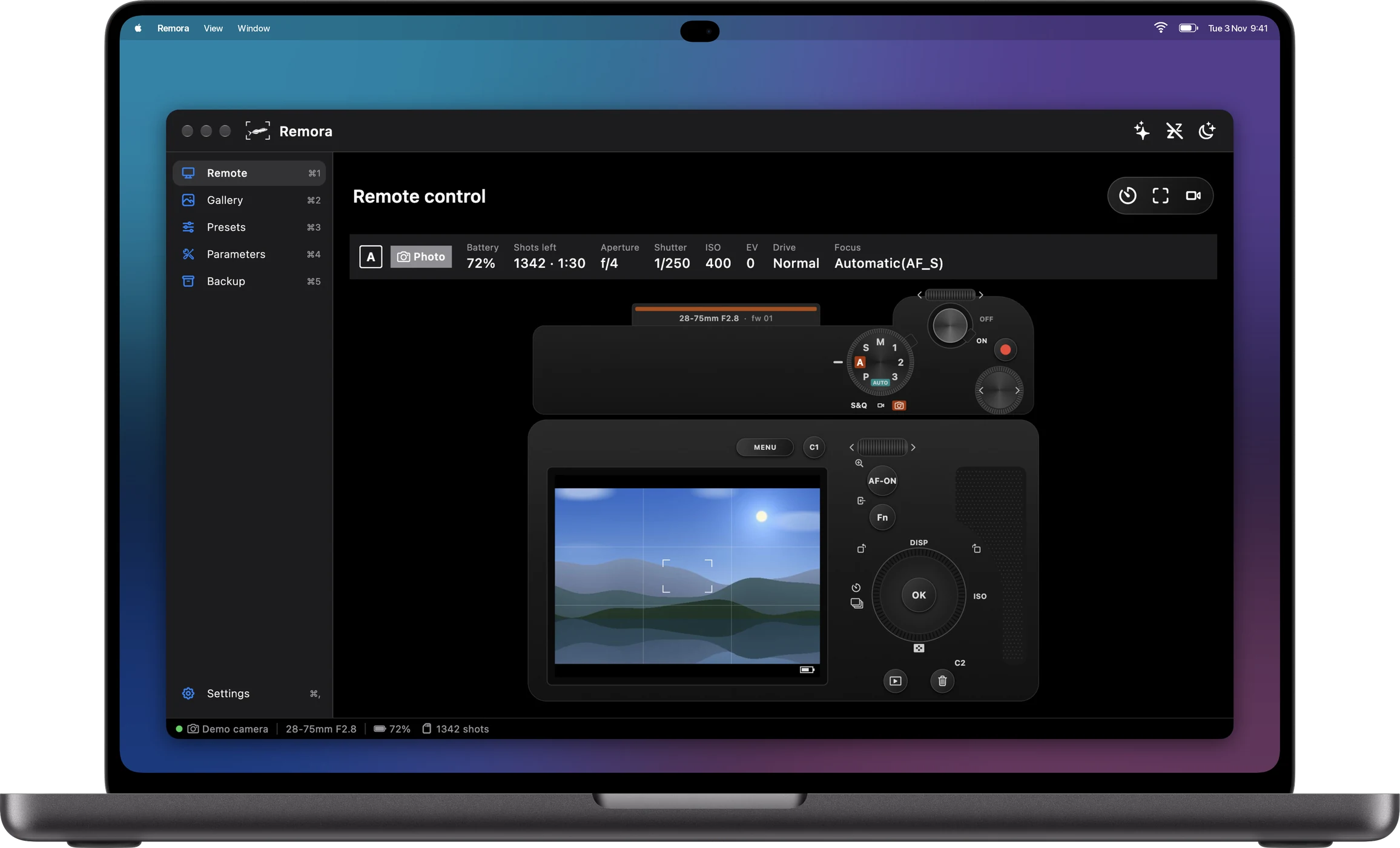
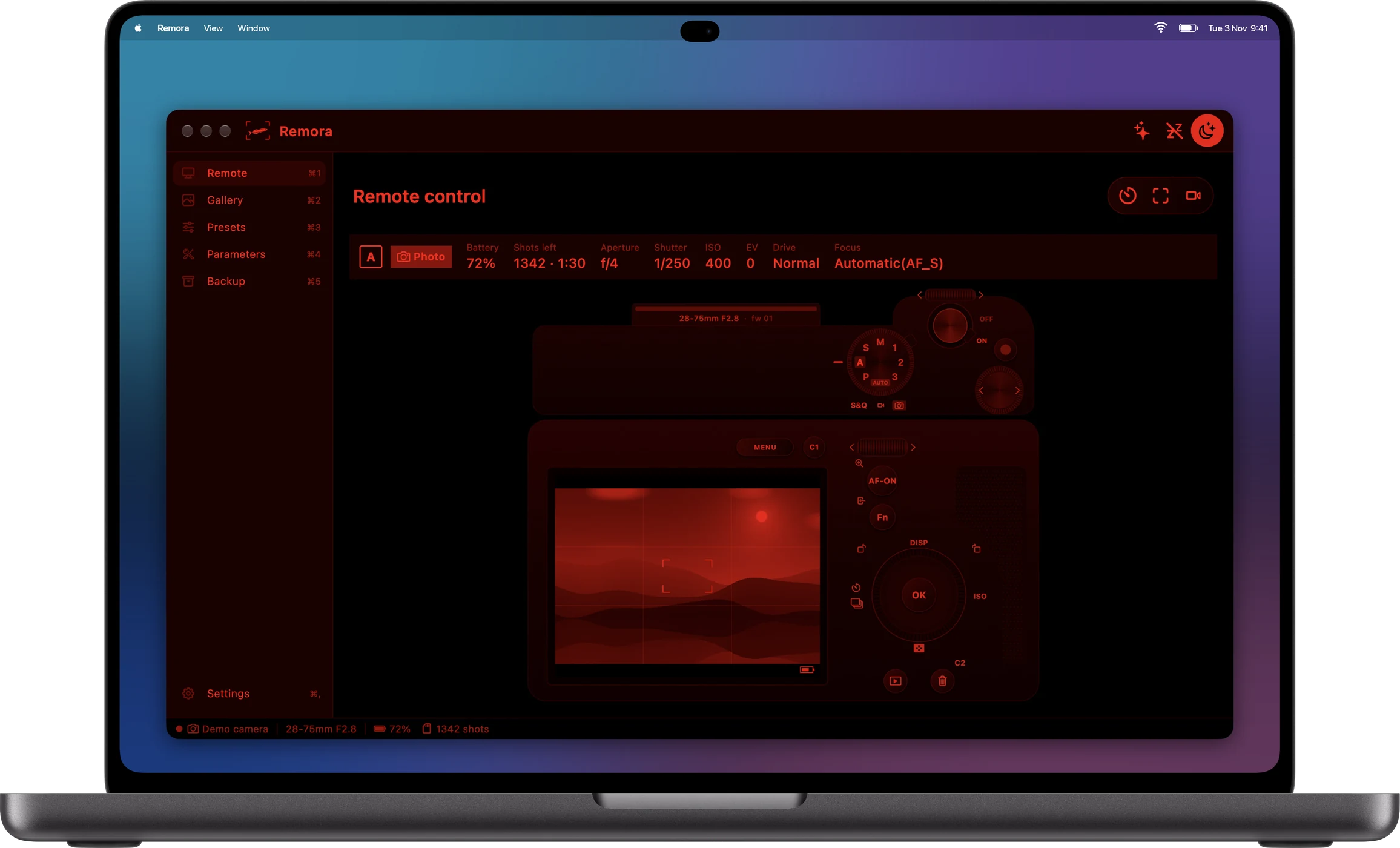
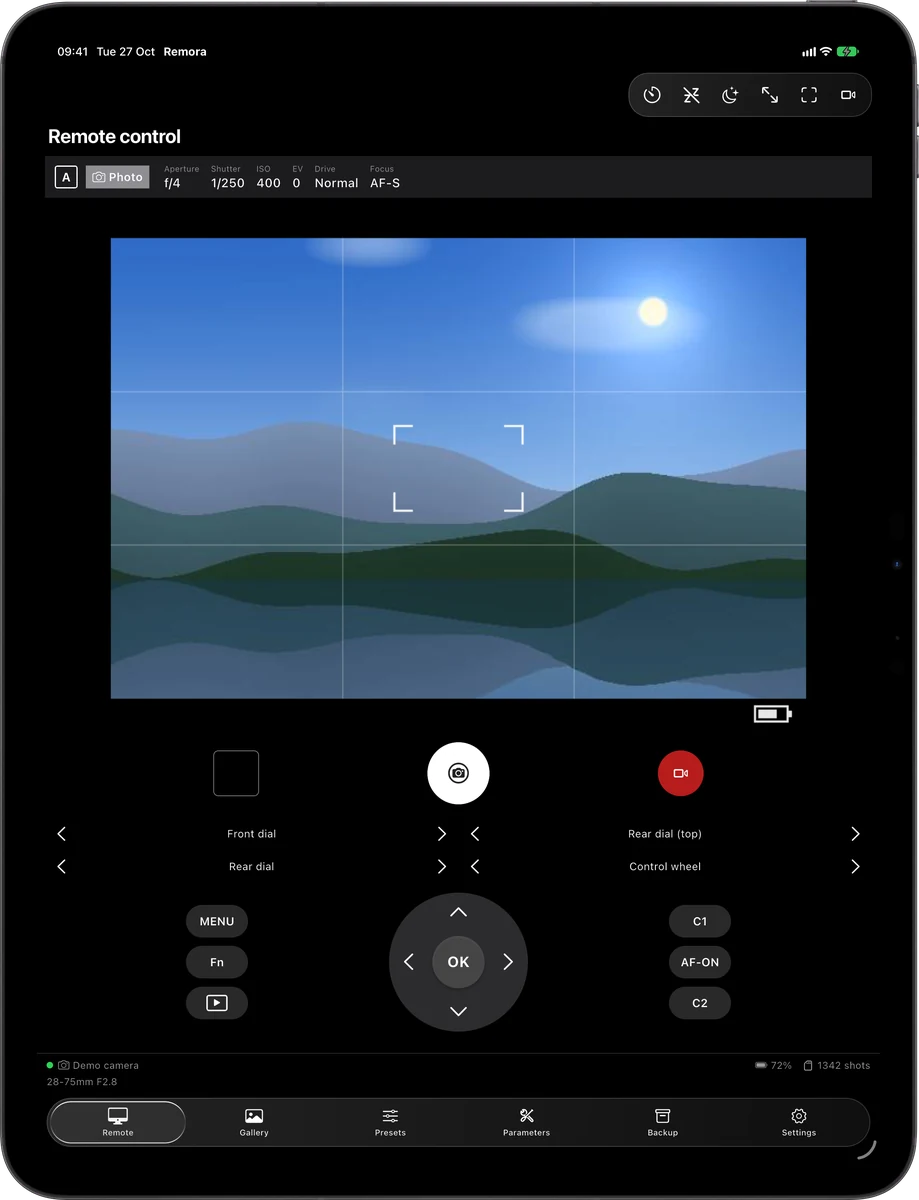
The camera's live screen inside a drawn camera body: shoot, record, touch to focus, turn the dials and press the buttons.
Presets
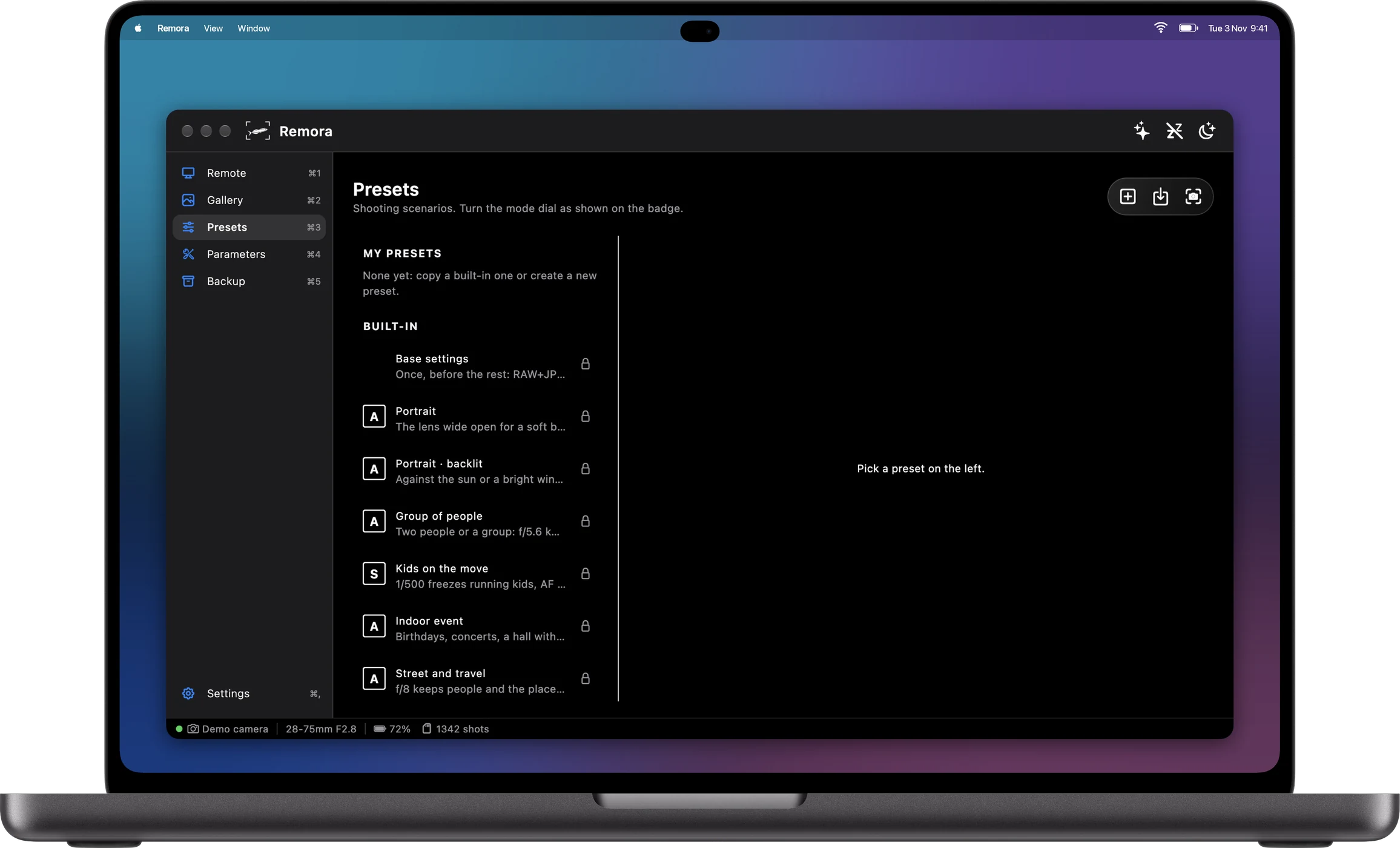
Switch every setting at once — sports, portrait, night — and build your own presets.
Parameters
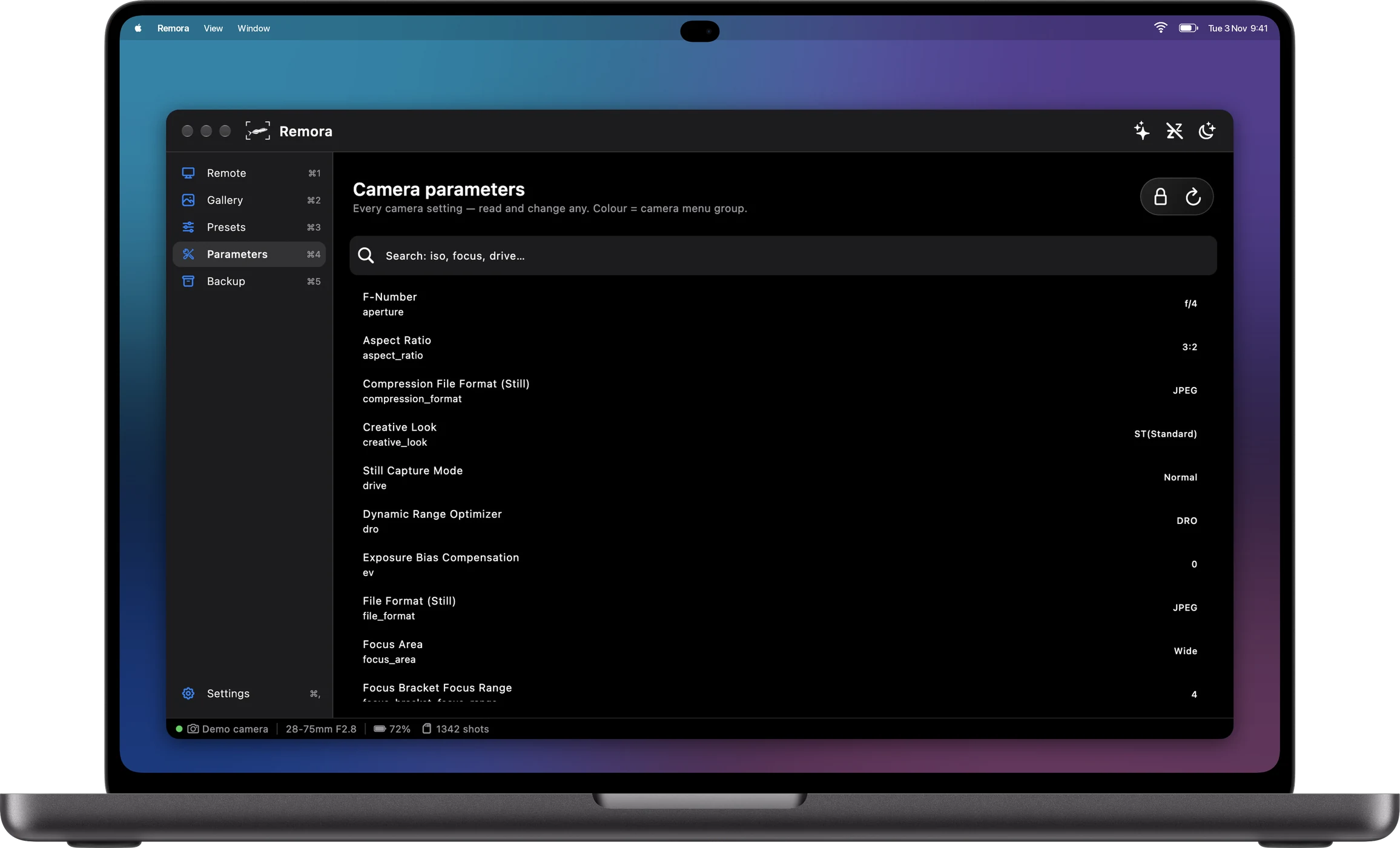
Every property the camera reports, translated into plain language and editable.
Gallery
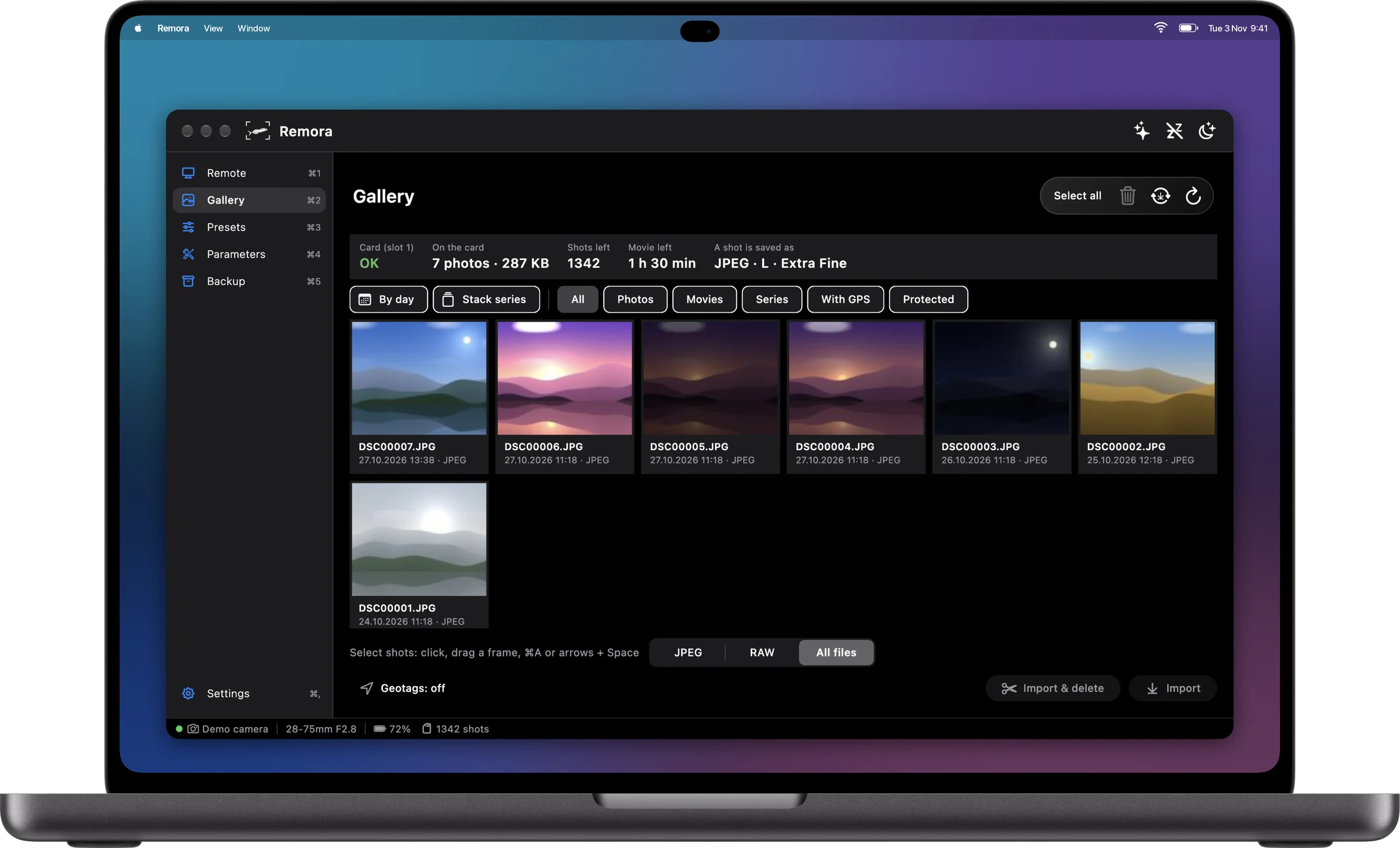
Browse the memory card, download shots, see their settings, add geotags from your phone or a GPX track.
Backup & Restore
Save your camera's settings and bring them back after a reset or on a second body.
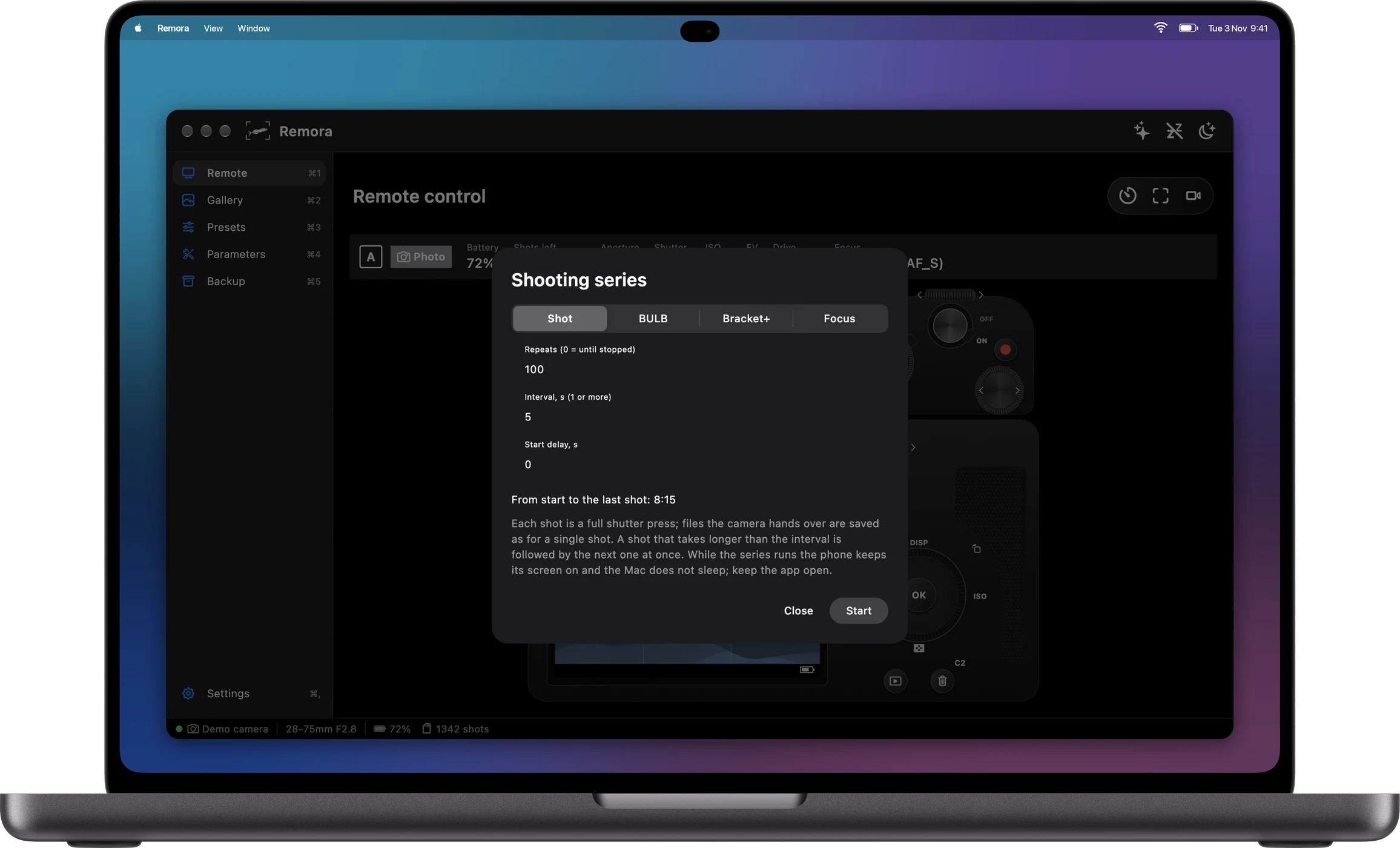
Shooting series
Time-lapse, exposure brackets, BULB and focus stacking, run by the app frame by frame.
Bluetooth remote
On iPhone: shutter, focus and zoom without Wi-Fi, and GPS tags for every shot from the phone's location.
Night mode
The whole app in red, so your eyes stay adapted to the dark under the stars.
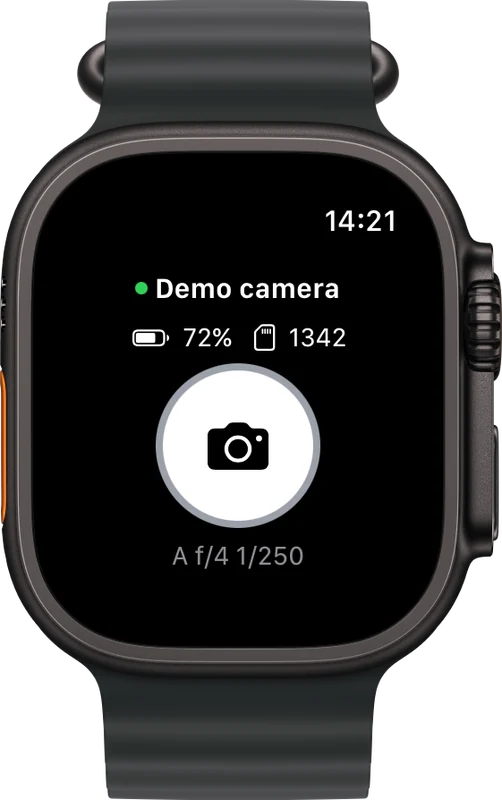
Apple Watch & widget
The shutter on your wrist and the camera's state on the home screen.
Works with the camera you have
Remora works with Sony cameras that support remote control over PTP, in both protocol generations — the current one on 2020+ bodies and the earlier one on older models — and reads the features from the camera itself. Tested daily with an α7C II; the other bodies below are documented by the protocol reference. Your camera behaves differently? Write to me.
α1 II, α1, α9 III, α9 II, α7R VI, α7R V, α7R IVA, α7R IV, α7R IIIA, α7 V, α7 IV, α7 III, α7 II, α7S III, α7C II, α7CR, α7C
α6700, α6600, α6400, α6100
ZV-E1, ZV-E10 II, ZV-E10, ZV-1 II, ZV-1, ZV-1F
RX1R III, RX100 VII, RX100 VA, RX10 IV, RX0 II, HX99
FX6, FX3, FX30, FX2, BURANO, FR7
PXW-Z300, PXW-Z200, HXR-NX800, BRC-AM7, ILX-LR1
Requirements: iOS 15 or later, macOS 12 or later; on the camera, enable remote control over Wi-Fi ("Connect with smartphone" / "Remote Shooting"), connect a USB cable to your Mac, or pair the Bluetooth remote on iPhone. No camera nearby? Try the demo camera from the welcome tour.
How do I connect?
On the camera turn on remote control over Wi-Fi, join the camera's network (or the same network as the camera), open Remora and tap Connect. On a Mac a USB cable works too.
Which cameras are supported?
See Compatibility above. Features are read from the camera, so older bodies get what they support.
Why does the app ask for location?
Only for geotagging, which you turn on yourself. The location stays on your devices and your camera.
Can I try it without a camera?
Yes — the welcome tour on first launch offers Try the demo camera (also Settings → Demo camera): a simulated camera inside the app.
Something not working, or a camera that behaves differently? Write to me — I answer every message.
[email protected]